




This guide explains the registration process, the difference between account creation and verification, and how to resolve common access problems. Before proceeding, check the platform’s eligibility rules and the restrictions that apply where you live.
What you need before registering
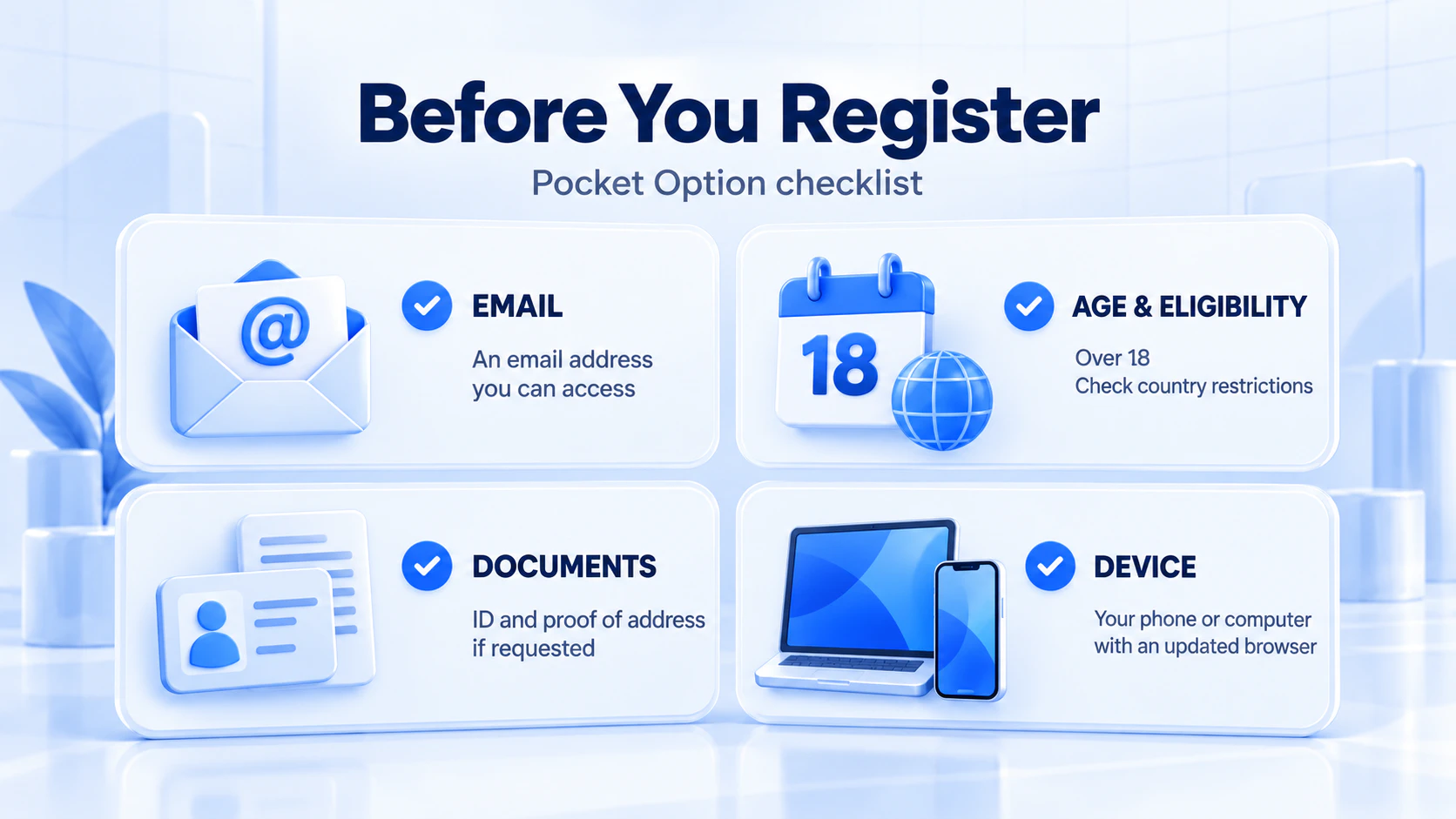
Prepare an email address you control, a unique password and accurate personal information. Keep access to the email account: it is also important for account recovery.
- Age and country eligibility: Pocket Option’s account terms define a client as someone over 18 and include country restrictions. Local rules may impose additional limits.
- Your own account: use your own details and check whether you have registered previously. Pocket Option prohibits multiple trading accounts for the same client.
- Documents when requested: prepare to verify your identity and residential address through the account’s verification process.
- A device you control: use an updated browser on a personal computer or phone, especially when entering passwords or uploading documents.
For a broader assessment of the platform and its account conditions, read our Pocket Option review.
Pocket Option registration: step by step
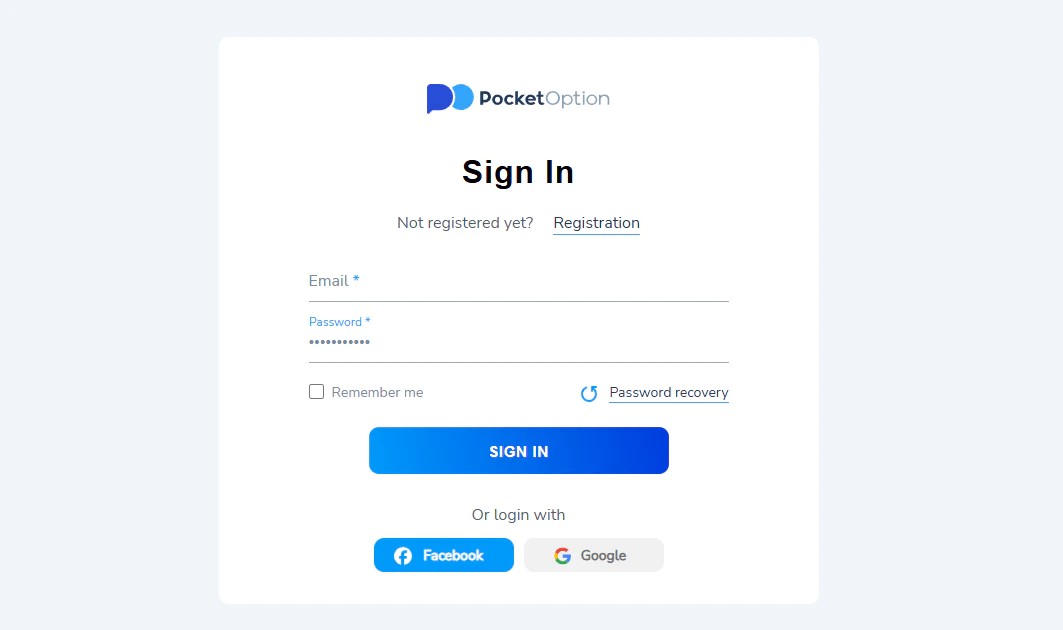
1. Open the registration page
Go to the official Pocket Option registration page. Check the domain carefully before entering personal information. A familiar logo or a sponsored search result alone does not establish who operates a page.
2. Enter your email address
Use an address you can access over the long term. Check its spelling before submitting the form. A temporary inbox or an address managed by someone else can make future access and recovery difficult.
3. Create a unique password
Follow the password requirements shown in the form. Choose a long password that you do not use for your email account or other services. A password manager can help generate and store it.
4. Review the agreement and optional promo code
The form includes acceptance of the Public Offer Agreement. Read the linked terms before accepting. The promo-code field is optional; you can leave it blank. If you choose an offer, check its eligibility and withdrawal conditions first.
5. Submit the form and follow the prompts
Select Sign Up. Follow any confirmation or security prompts shown on screen. If email confirmation is requested, open the message in your own inbox and complete that step.
6. Review your profile
After gaining access, check your profile information and verification status. Correct mistakes through the available account controls or official support. Keep a record of your registered email address and chosen sign-in method.
How to register with Google
Google sign-in is another registration method described in Pocket Option’s getting-started guide. Where the Google option appears, select it, choose the Google account you intend to use and review the sign-in request.
Use that same Google account when returning to the platform. If you later want to log in with an email address and a separate Pocket Option password, you may need to use password recovery to set one.
Protect the connected Google account as well. Losing access to it can affect your ability to sign in or receive recovery messages.
Pocket Option verification after registration
Verification checks the identity and information associated with an account. Open your profile and follow the instructions for entering personal details and submitting documents.
Identity evidence may include a passport, national identity card or driving licence. Address evidence may include a bank statement or utility bill. Additional checks can include a photograph with an identity document. The accepted document type, format and submission requirements depend on the request shown for your account.
To reduce avoidable problems:
- Enter your legal name consistently with your identification.
- Use current, genuine documents belonging to you.
- Make sure text and required document edges are readable.
- Avoid glare, blur and edits that conceal or change information.
- Submit documents through the verified account workflow.
Pocket Option can request confirmation of registration details at any time under its AML and KYC policy. Be ready to complete checks when requested, including further checks after an earlier submission. Keep your address and contact details up to date.
A successful upload does not by itself confirm approval. Read the status or response for your submission and address any specific rejection reason. Avoid repeatedly uploading the same unreadable file.
Registration, verification and deposits: what changes at each stage?
| Stage | Purpose | What to check |
|---|---|---|
| Registration | Creates account access. | Correct email and a sign-in method you can recover. |
| Verification | Checks identity and account information. | Requested documents and the result of the review. |
| Demo practice | Lets you practise using virtual funds. | The selected account mode and how each contract works. |
| Deposit | Transfers your money into an account. | Eligibility, payment ownership, limits, costs and withdrawal conditions. |
Can you register on a phone?
You can access the web registration page from a mobile browser. Use the account credentials you already have when switching between a phone and a computer.
If you prefer an app, start with the download links provided on the official website and check availability for your device and country. Avoid installing files sent by an unknown person offering to complete registration for you.
Using the demo account after signing up
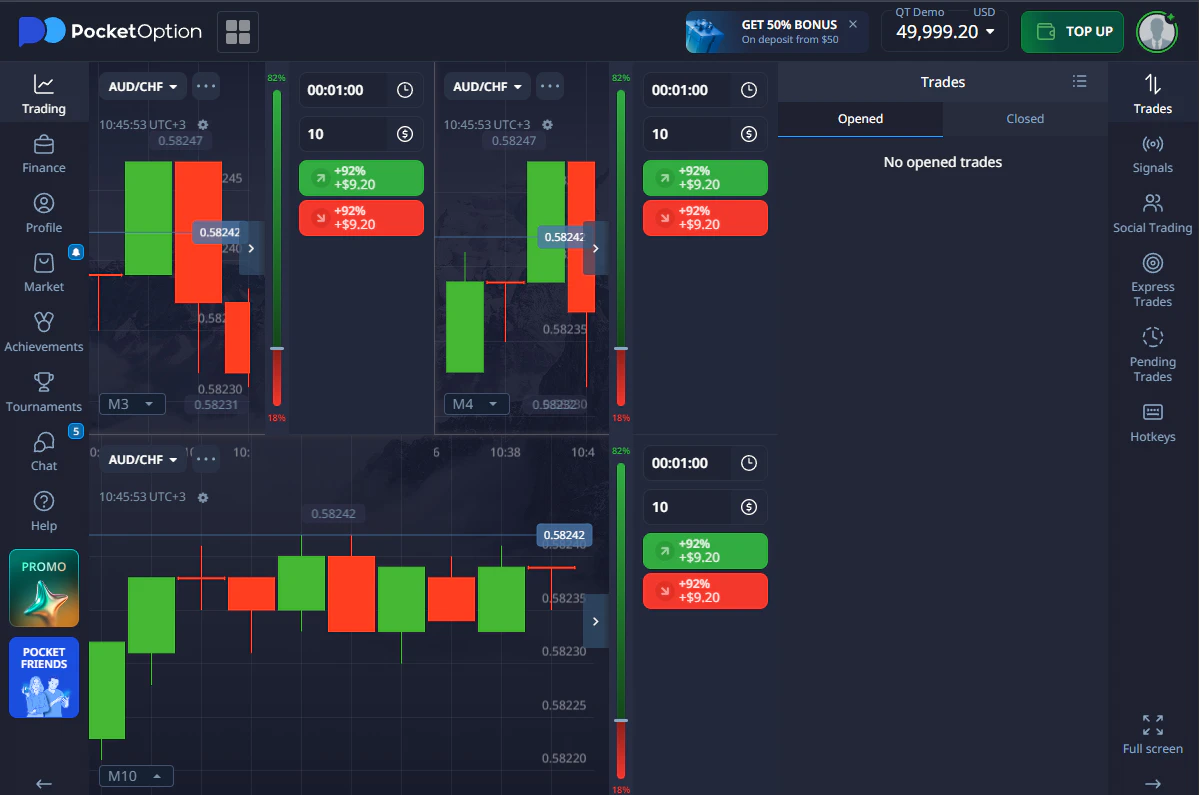
Pocket Option offers demo practice with virtual funds. Use it to learn where account controls, charts and trade records are located. Before placing a practice trade, identify the asset, trade amount, direction, expiry and displayed potential payout.
A useful exercise is to record those details, wait for the result and explain how the contract was settled. This shows whether you understand the workflow. Virtual profits cannot be withdrawn, and simulated trading cannot establish how a real withdrawal will be processed.
Our demo trading account guide explains what practice can teach you and which limitations matter when evaluating results.
Do you need to make a deposit to register?
No. Account creation is free, and making a deposit is a separate decision. A minimum funding amount, when applicable, is different from a registration charge.
Before transferring money, review the payment method available to your account. Check the minimum and maximum amount, transaction currency, conversion costs, processing information and applicable withdrawal rules. Avoid assuming that one advertised minimum applies to every payment route.
Use a payment account in your own name. Pocket Option’s payment policy requires ownership of the funding source and links withdrawals to the payment details used for deposits.
If a bonus is offered, examine any turnover requirement and what happens when you request a withdrawal or cancel the offer. An advertised bonus amount should not be treated as immediately withdrawable money.
Common registration and login problems
| Problem | What to do |
|---|---|
| Your email is already registered. | Try signing in or recovering access to the existing account. Check whether you previously used Google sign-in. |
| A requested email does not arrive. | Check the address, spam folder and mailbox filters. If a resend option appears, use it. Contact official support if the issue continues. |
| The form rejects your password. | Check the requirements displayed beside the field, keyboard layout and accidental spaces. Make sure autofill is using the intended password. |
| The page or sign-in window does not load. | Try an updated browser and review site-specific cookie or pop-up permissions. Record the error if it persists. |
| You used Google but email-and-password login fails. | Return to the Google option with the same profile, or follow the password-recovery process for the associated email address. |
| A verification document is rejected. | Read the reason given and correct that issue: for example, image quality, an expired document or inconsistent details. |
| Registration is unavailable for your location. | Review the eligibility restrictions. Do not enter a false address or use someone else’s identity to obtain access. |
When contacting support, provide the relevant error message, device and browser, and describe which step failed. Remove passwords, security codes and unnecessary personal information from screenshots.
How to log in and recover your password
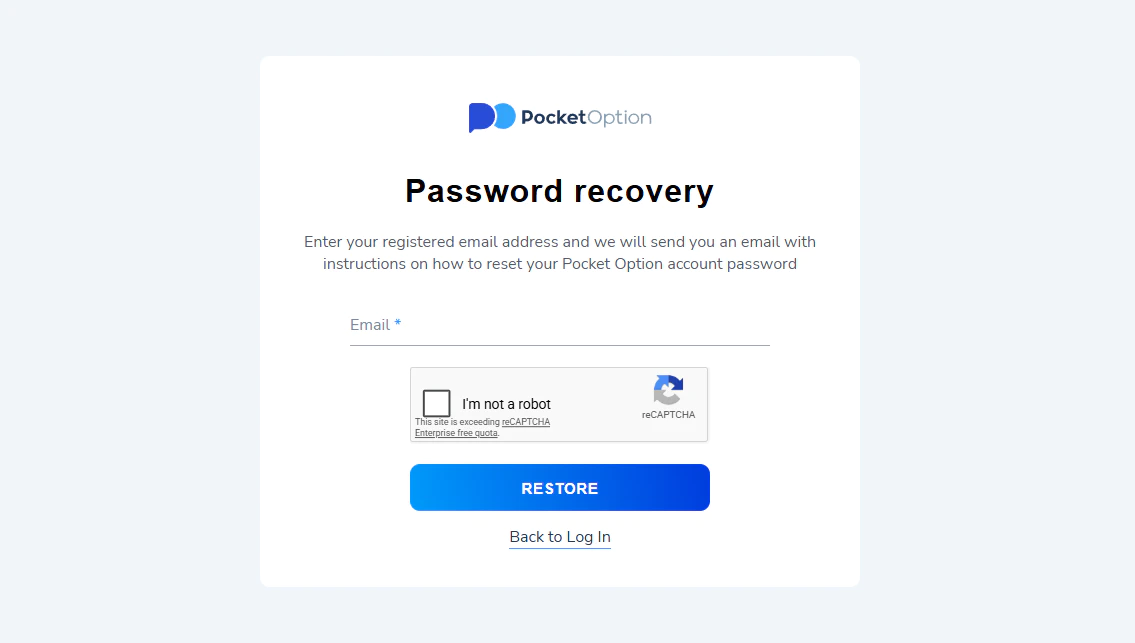
For an existing account, use the Pocket Option login page. Enter your registered email and password, or select the connected sign-in method where available.
If you have forgotten the password, open password recovery and submit your registered email address. Follow the instructions sent to that inbox. If you cannot access the email account, contact official support to ask about recovery options.
Keep recovery links and one-time codes private. Anyone helping you troubleshoot can explain the process without needing your password.
Frequently asked questions
Is a promo code required for Pocket Option registration?
No. The registration form marks the promo code as optional. You do not need to obtain one from an affiliate or an account manager.
Can I create another account if I forget my login?
Recover the existing account instead. Pocket Option prohibits multiple trading accounts for one client. A second registration can lead to account restrictions.
How long does registration take?
There is no single completion time that applies to every user. Submitting a form, confirming access and completing a document review are separate steps. Follow the progress shown in your account rather than assuming that immediate access means every check is complete.
Can someone register and verify an account for me?
Keep control of the process yourself. Account details, identification and funding information need to correspond to the account holder. Giving another person control of your email or login also creates an access risk.
Where can I compare Pocket Option with other platforms?
Our guide to Pocket Option alternatives provides a starting point. Compare the specific product, country eligibility, costs and client protections before choosing where to open an account.
Risk notice: Trading can result in substantial losses. For fixed-time contracts, an unsuccessful trade can lose the amount committed. Demo results, bonuses and a simple registration process do not guarantee future returns.
You Might Also Like

What Is Volatility in Trading?
Volatility measures the degree to which an asset's price fluctuates over a given period. High volatility means price is making...

What Is a Turnover Requirement in Binary Options?
A turnover requirement (also called wagering requirement or volume condition) is the total amount of trading volume you must generate...

Stochastic Oscillator Guide 2026: How to Read Signals
Table of Contents What Is the Stochastic Oscillator? How the Stochastic Oscillator Works Reading the Stochastic Panel — %K and...