



When comparing the best brokers for beginners, start with the first task you want to complete. Buying shares, practising chart analysis and learning how a contract for difference (CFD) works require different tools. A platform that makes one task easy may be unsuitable for another.
For practising charts and order placement, TradingView Paper Trading is a useful starting point. For exploring stock ownership, consider a securities broker such as Interactive Brokers. IG offers a route to structured CFD education and demo practice. Deriv and Atlant Trade provide examples of derivative platforms whose contract rules need separate attention.
This guide compares those routes using official product pages and help documents. The assessments reflect published features and their usefulness for different learning goals. Execution speed, withdrawal performance and support response times were not independently tested for this article.
Availability, fees and protections depend on your country, the company holding your account and the product selected. A demo account is a learning tool; successful practice does not establish that live trading will be profitable.
Choose a platform for your first task
| Your starting goal | Platform to examine | Useful starting feature | Main limitation |
|---|---|---|---|
| Practise reading charts and placing simulated orders | TradingView Paper Trading | Practice with virtual funds without a brokerage deposit | A simulator does not test a broker’s withdrawals or live execution |
| Learn how buying and holding shares works | Interactive Brokers GlobalTrader | Mobile stock access, fractional investing and a simulated account | Eligibility, market access and charges depend on the account |
| Study CFDs alongside structured learning material | IG | Demo platform and trading education | CFDs introduce leverage and financing costs |
| Compare different derivative contracts | Deriv | Separate platforms for CFDs and several option formats | Each product has its own mechanics and risks |
| Understand an expiry-based Up/Down workflow | Atlant Trade | Demo access and a browser-based trade workflow | A short order ticket does not make fixed-time trading low risk |
These are different use cases, so the table is not a universal broker ranking. TradingView is included as a practice tool; its simulator does not itself provide a live brokerage account. The product details behind each choice are explained below.
TradingView Paper Trading: chart practice before choosing a broker
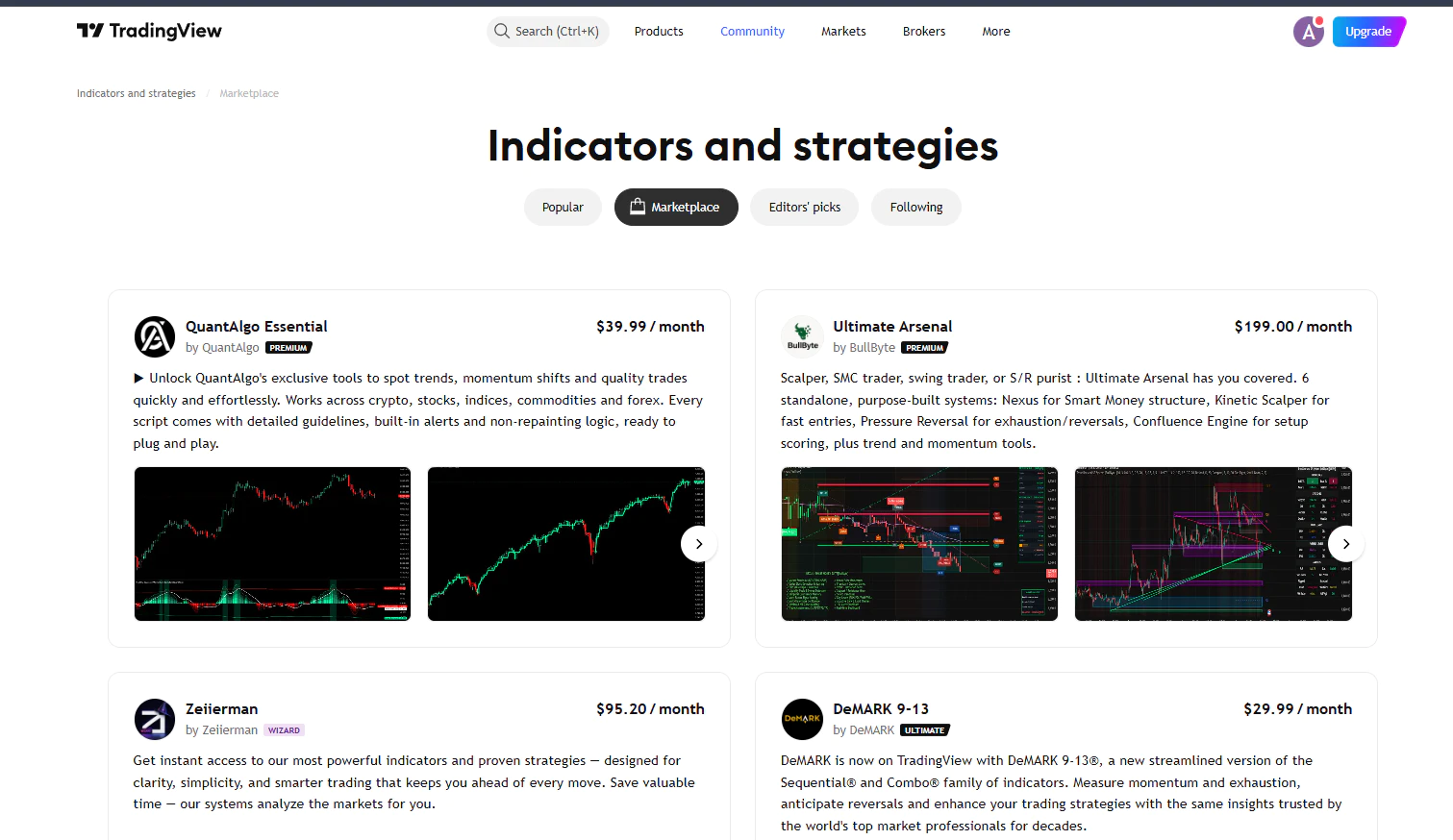
TradingView’s built-in Paper Trading simulator lets users place trades with virtual money without making a brokerage deposit. Its documentation describes chart tools, order tracking and simulated position management. The trading page also describes configurable account balances and simulated commissions.
That makes it useful when your immediate question is practical: can you identify the instrument, read the order ticket and explain what happens when an order fills?
Start with one instrument and a realistic practice balance. Add simulated costs where available and keep a short note explaining each order. This is an exercise in understanding the workflow, not a test of how quickly you can increase a virtual balance.
Learning and access: the documented workflow runs through Supercharts, with help articles explaining account connection and order placement. For a complete beginner, the number of chart controls may take time to learn.
Cost and limitation: the paper account requires no deposit. If you later connect a live broker, investigate that broker’s charges and account conditions separately. A simulator cannot demonstrate how that broker handles funding, verification or a withdrawal.
Interactive Brokers GlobalTrader: a route to stock ownership
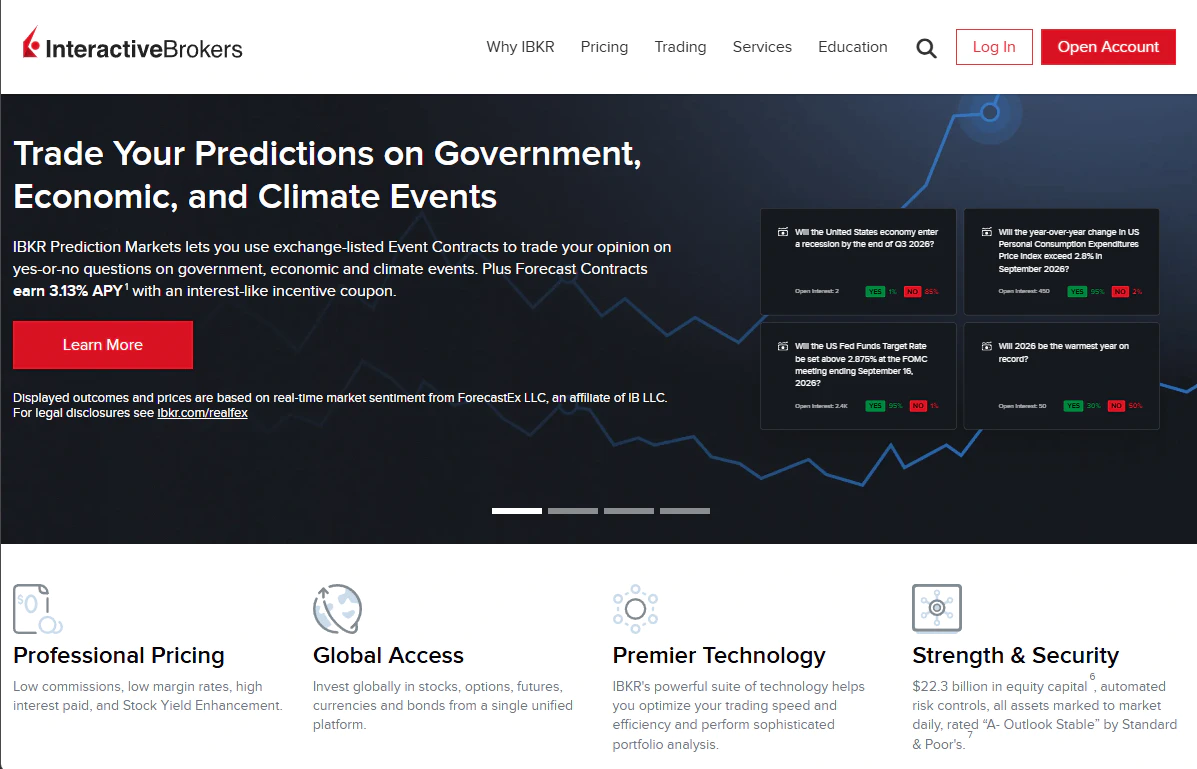
GlobalTrader offers mobile access to stocks across multiple markets and supports eligible fractional-share purchases. Its official overview also describes a simulated account with USD 10,000 in virtual cash. IBKR Campus provides beginner lessons covering account setup, funding and platform use.
For someone who wants to understand shares and ETFs, this is a more relevant starting point than selecting a contract that merely tracks an asset’s price. Choose the actual security and account type carefully; a broker’s wider product menu may include instruments that require additional knowledge and permissions.
Costs and minimums: the reviewed US GlobalTrader pricing page states no account minimums and commission-free stock and ETF trading for the specified US offering. Those terms must not be assumed to apply to international customers. Currency conversion, other products and some account transactions have separate charges.
Learning and mobile use: GlobalTrader provides the mobile interface, while Campus supplies supporting lessons. IBKR also offers a broader free trial; its documentation notes that much of the trial’s market data is delayed.
Trade-off: choosing between markets, order types and permissions adds decisions. For an initial exercise, a cash account and one clearly understood product keep that process easier to follow.
IG: structured learning for CFD practice
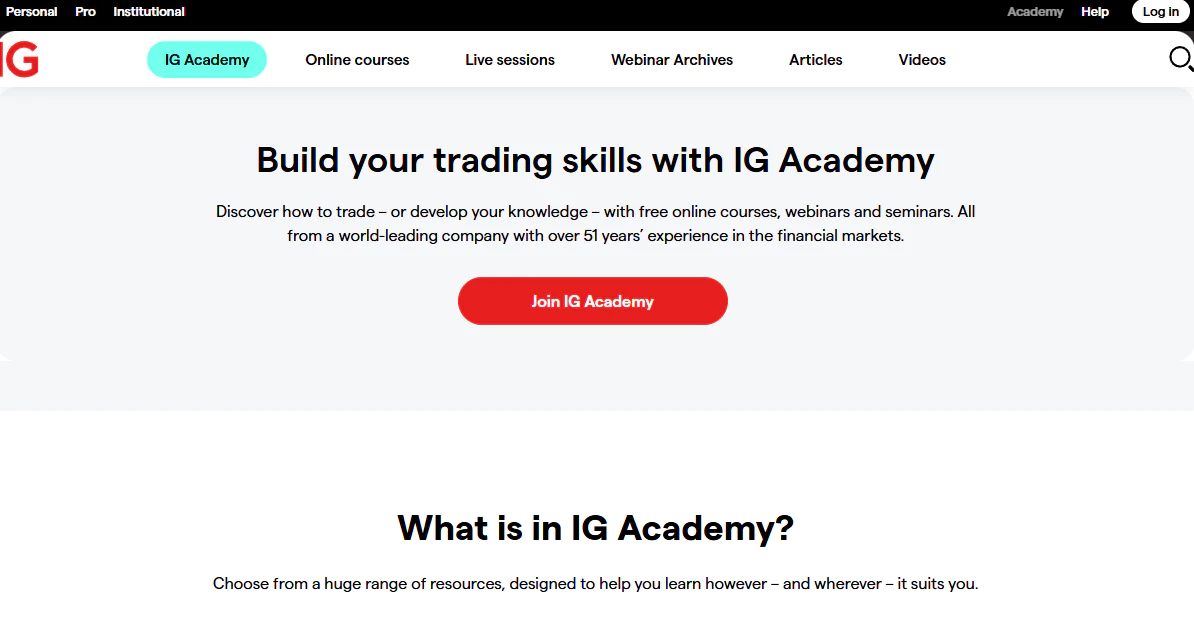
IG combines trading education with a demo environment. The reviewed UK demo page advertises GBP 10,000 in virtual funds, and its education page describes practice through the online platform and app.
This is useful for learning how a CFD position works: position size, margin, the spread and the effect of price movements on profit or loss. Margin is the amount required to open a leveraged position. It should not be confused with the total value of the exposure or an automatic limit on losses.
Costs and minimums: IG’s UK help page states no minimum for bank-transfer deposits; card minimums depend on currency. Its charges page explains spreads, relevant commissions and overnight funding. These are UK-source examples, not a worldwide price promise.
Learning and support: the site provides educational resources and a Help Centre. Use them to find the rules for the exact account and instrument you intend to practise.
Trade-off: a clear interface can make leverage easy to operate before it is easy to understand. Practising with an IG CFD demo is a different exercise from buying shares through a share-dealing account.
Deriv: compare the contract before selecting the platform
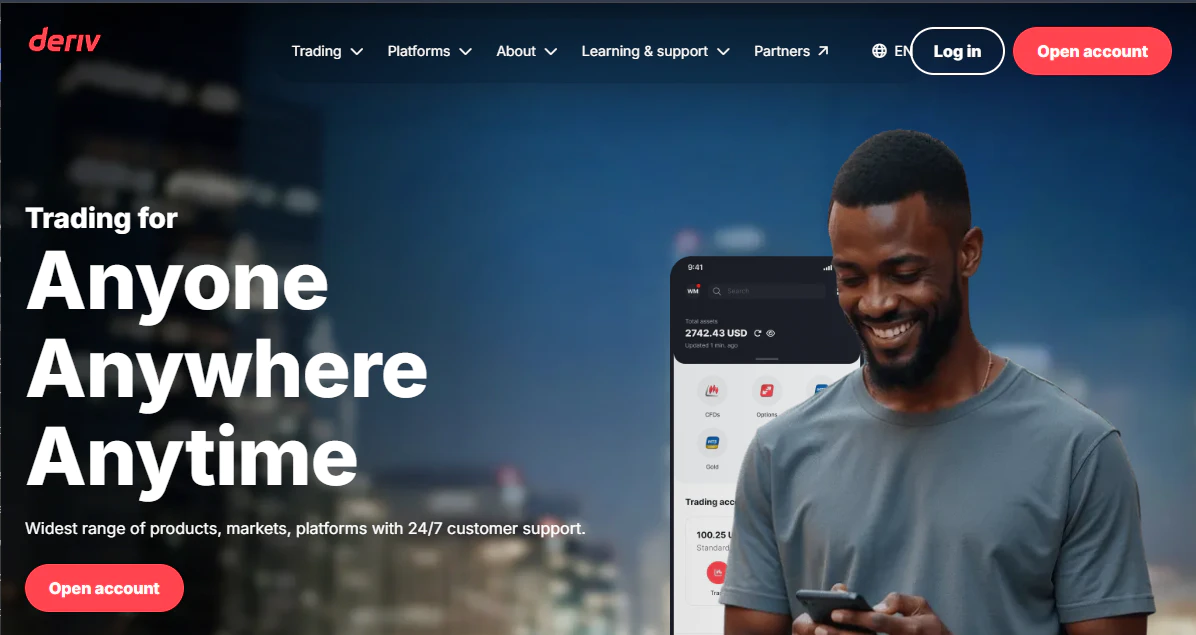
Deriv offers CFD trading through Deriv MT5 and multiple option formats through Deriv Trader. The latter is available in desktop and mobile browsers. Deriv Academy describes refillable demo balances of USD 10,000 and provides tutorials on its products.
The useful question here is which contract you want to understand. The same market name can appear in products with different settlement rules, holding periods and loss calculations.
Costs and minimums: Deriv publishes payment-method-specific funding limits. A single minimum deposit does not describe every route. Trading expenses also need to be read against the chosen product: CFD costs and option payout terms are different comparison categories.
Learning and support: Academy material, the Help Centre and platform documentation provide starting references. Compare the available app or browser workflow for the specific product, rather than treating every Deriv platform as interchangeable.
Trade-off: the range of contract types creates more to learn. Check the contracting company and the terms applying to your residence; a regulatory statement for one group company does not describe every account.
For a site-level overview, see the Deriv review.
Atlant Trade: learning an expiry-based Up/Down workflow
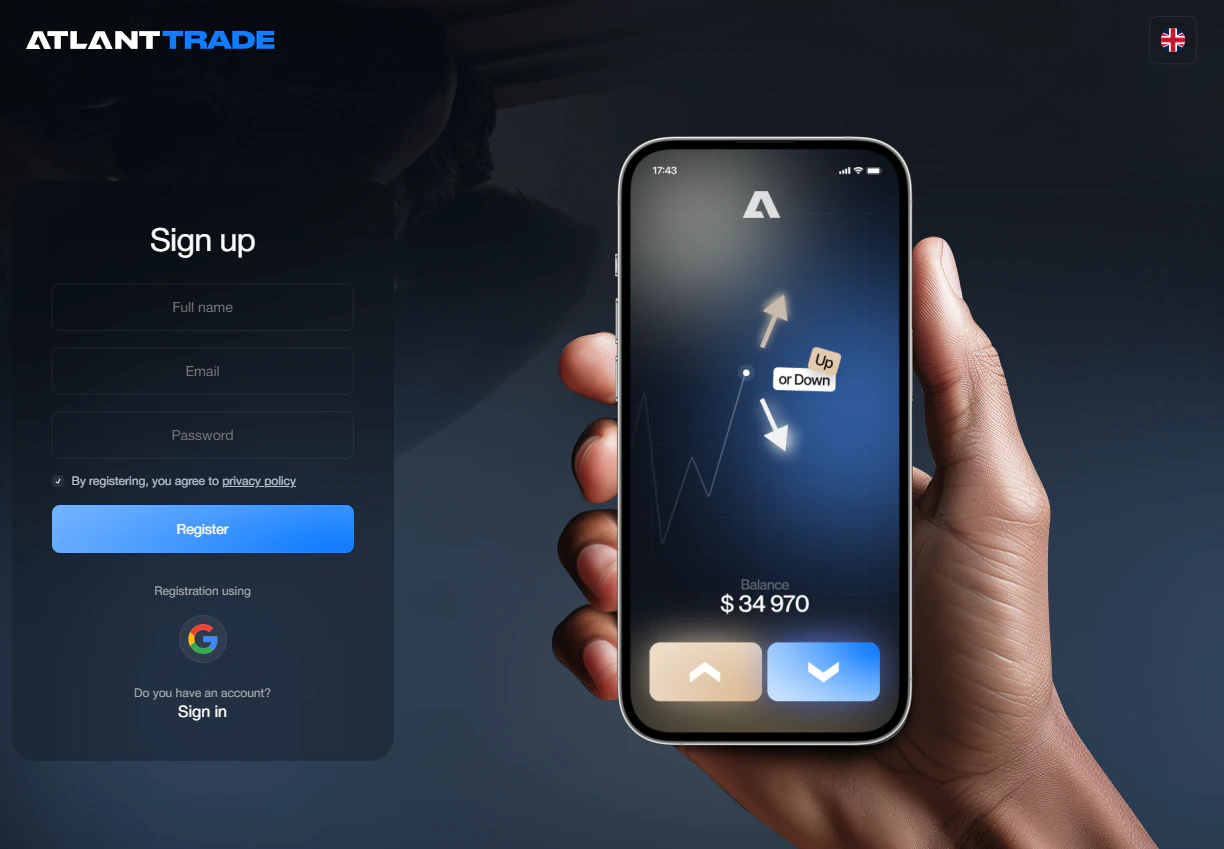
Atlant Trade’s FAQ describes free registration, a demo account and access through computer and mobile browsers. It lists a USD 10 minimum deposit and a USD 1 minimum trade. The trade workflow involves choosing an asset, an expiry time, an amount and a direction.
This provides a specific exercise: understanding how the closing time affects an Up/Down contract. It should be evaluated separately from buying shares or managing a CFD position.
Costs and support: the FAQ states that the platform does not charge deposit or withdrawal commissions, while payment providers may apply charges or conversion costs. It directs account problems to support. Confirm verification and withdrawal conditions before considering live use.
Trade-off: low entry amounts do not establish affordability. A USD 1 stake uses 10% of a USD 10 balance. Repeated losses can therefore use up a small account quickly.
For more platform context, see the Atlant Trade review. Check the contracting company, any claimed financial licence and local eligibility before funding an account.
Compare the costs that affect your planned activity
“Free platform”, “zero commission” and “low minimum deposit” answer different questions. A useful comparison starts with the activity you plan to perform.
| Activity | Costs or conditions to examine |
|---|---|
| Buy and later sell shares | Commission on each side, spread, currency conversion and any account charges |
| Hold a cash CFD overnight | Spread, relevant commission, overnight funding and currency conversion |
| Enter a fixed-payout contract | Stake, net profit on a win, loss on an unsuccessful trade and settlement rules |
| Fund or withdraw from an account | Provider fees, payment-system charges, currency conversion, minimum amounts and verification conditions |
Two examples show why the smallest advertised number can be misleading.
Small stock order: suppose you buy USD 50 of stock and pay USD 1 to buy and USD 1 to sell. The combined commission is 4% of the initial purchase amount, before any spread, conversion cost or price movement. These are illustrative figures, not a quote from a broker.
Fixed-payout contract: suppose a USD 1 winning trade earns USD 0.80 net profit, while an unsuccessful trade loses USD 1. Five wins and five losses produce a USD 1 net loss. This illustration excludes ties, refunds and additional charges. Winning half your trades would not cover the asymmetric outcome.
Test the everyday workflow before opening a funded account
Use the same short exercise on each candidate so you can compare what matters to you:
- Identify the product. State whether you are buying an asset or entering a derivative contract, and how a position closes.
- Read the order ticket. Locate quantity or stake, estimated costs and the relevant exposure or possible loss.
- Place a simulated order. Find the pending order, open position and trade history afterwards.
- Check your device. Repeat the essential actions on the phone or computer you expect to use.
- Ask one precise support question. For example: which documents and payment restrictions apply to a withdrawal from this account? Judge the answer you actually receive.
- Review funding rules. Separate the provider’s processing time from the time taken by a bank or payment network.
For additional background, use TraderRanker’s demo trading guide and broker-selection checklist. Read any country-specific sections in their stated context.
Check whether the product is available where you live
A website opening in your browser does not establish that its live product is available to you. Identify the legal company, the account terms and any local product restrictions before transferring money.
For example, the FCA prohibits firms acting in or from the UK from selling, marketing or distributing binary options to retail consumers. That is why a global platform comparison cannot imply that every listed product is suitable or available in every country.
Questions beginners often ask
Can I start learning without a deposit?
Yes. The paper-trading and demo examples discussed above provide ways to practise with virtual funds. Confirm the conditions of the exact account you open. Virtual profits cannot be withdrawn as trading earnings.
Is the platform with the lowest deposit the best choice?
The minimum trade size and total costs matter as well. If the smallest position is large relative to your available balance, a small entry deposit provides little flexibility. Continuing in demo mode remains an option.
Should a beginner use a mobile app or a computer?
Choose the interface on which you can reliably read the order details and review positions. Test the same workflow on both if you intend to switch between them. App availability alone does not establish usability or stability.
Does a profitable demo account mean I am ready for live trading?
Demo practice can show that you understand the controls and can follow a process. It cannot establish future profits, reproduce every execution condition or recreate the pressure of using real money. There is no universal demo-profit target that proves readiness.
Your next step
Choose one task: chart practice, stock ownership or understanding a particular derivative. Compare two candidates on that same task, using the same questions about costs, eligibility and account operation. If you want to explore the platforms already covered by TraderRanker, continue to the trading-platform comparison and its individual reviews.
Trading and investing can result in losses. Leveraged and fixed-payout products require particular care, and a simple interface does not reduce the underlying financial risk.
You Might Also Like
6 Best Pocket Option Alternatives in 2026
If you're comparing Pocket Option alternatives, the first question is not simply “Which broker is better?” A more useful question...
Best Trading Platforms in 2026: 7 Brokers Compared
The best trading platform is not necessarily the one with the longest feature list or the lowest advertised deposit. The...

Pocket Option vs Olymp Trade: Full Comparison for 2026
Last updated: July 2026. Based on real-account testing by the TradeRanker editorial team. This content is for informational purposes only...